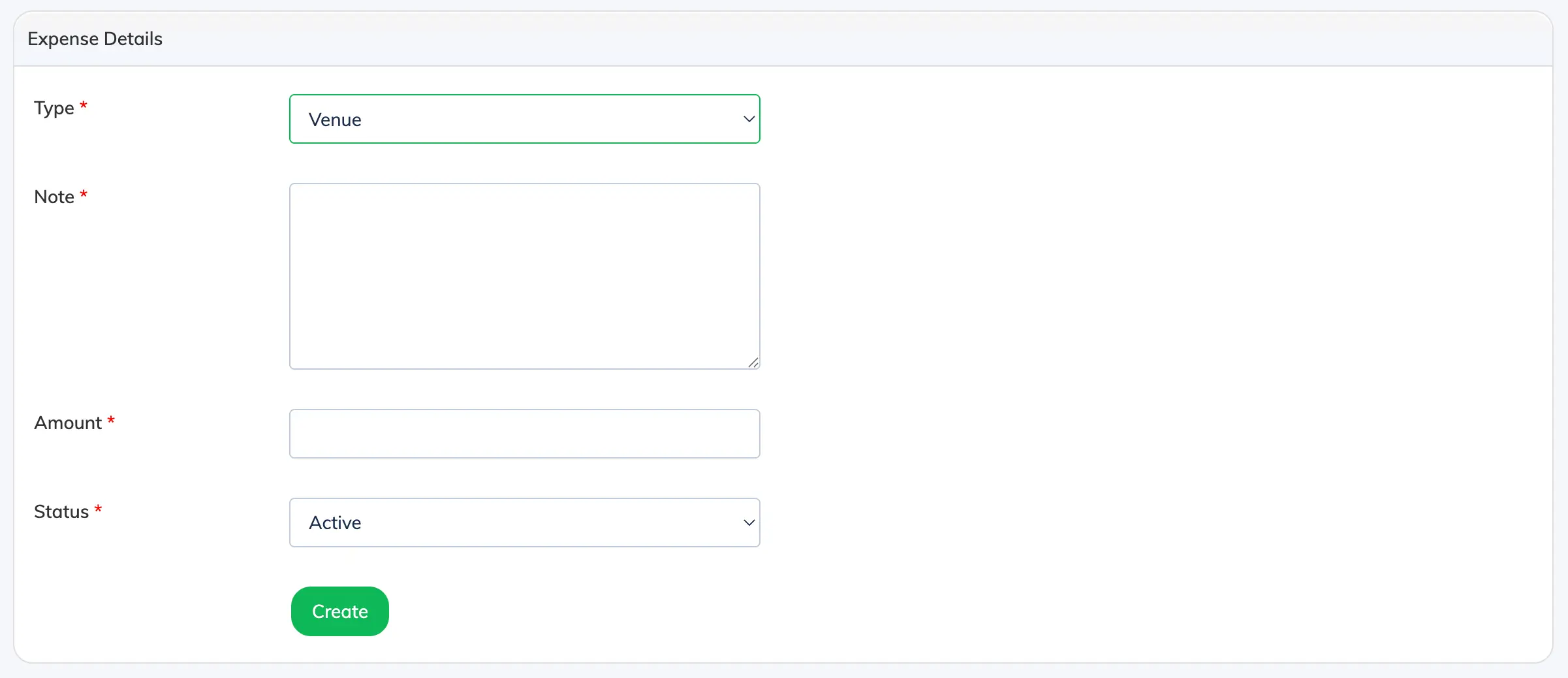
Track costs associated with a classroom session – including venue hire, instructor fees, and any miscellaneous expenses – directly from the session settings.
Steps
- Go to Classroom Sessions in the navigation bar.
- Click the Settings icon for the relevant classroom session and select Expense.
- Click + Expense and fill in the following fields:
- Type – Venue, Instructor, or Miscellaneous.
- Note – A brief description of the expense.
- Amount – Total amount spent.
- Status – Active or Inactive.
- Click Submit.