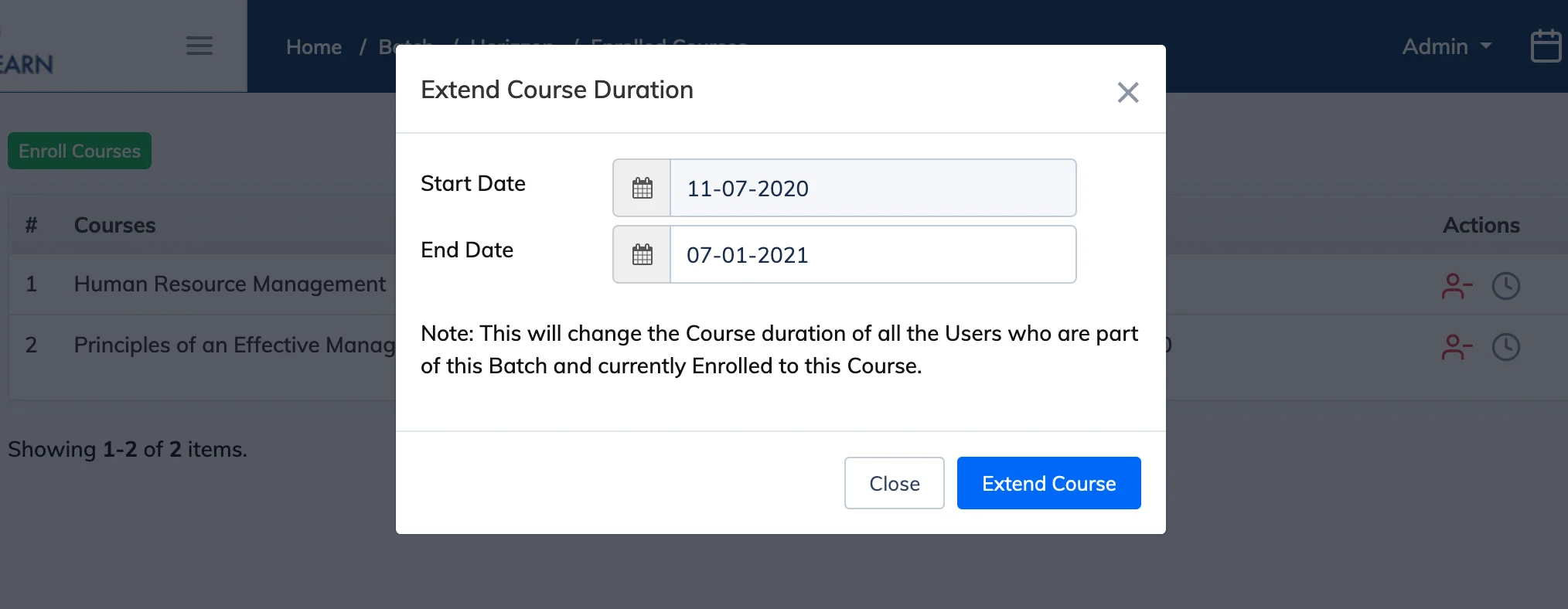
Extending a batch’s course duration updates the end date for all Trainees in the batch at once, instead of extending them individually.
Steps
- Go to Batches in the navigation bar.
- Click the Course Count for the relevant batch to see its enrolled courses.
- Click the Extend Course icon for the course you want to extend.
- Select the new End Date and click Submit. The end date will be updated for all Trainees in the batch.
Note: Course duration can only be extended for Date Based batches. Duration Based batches do not support this feature.