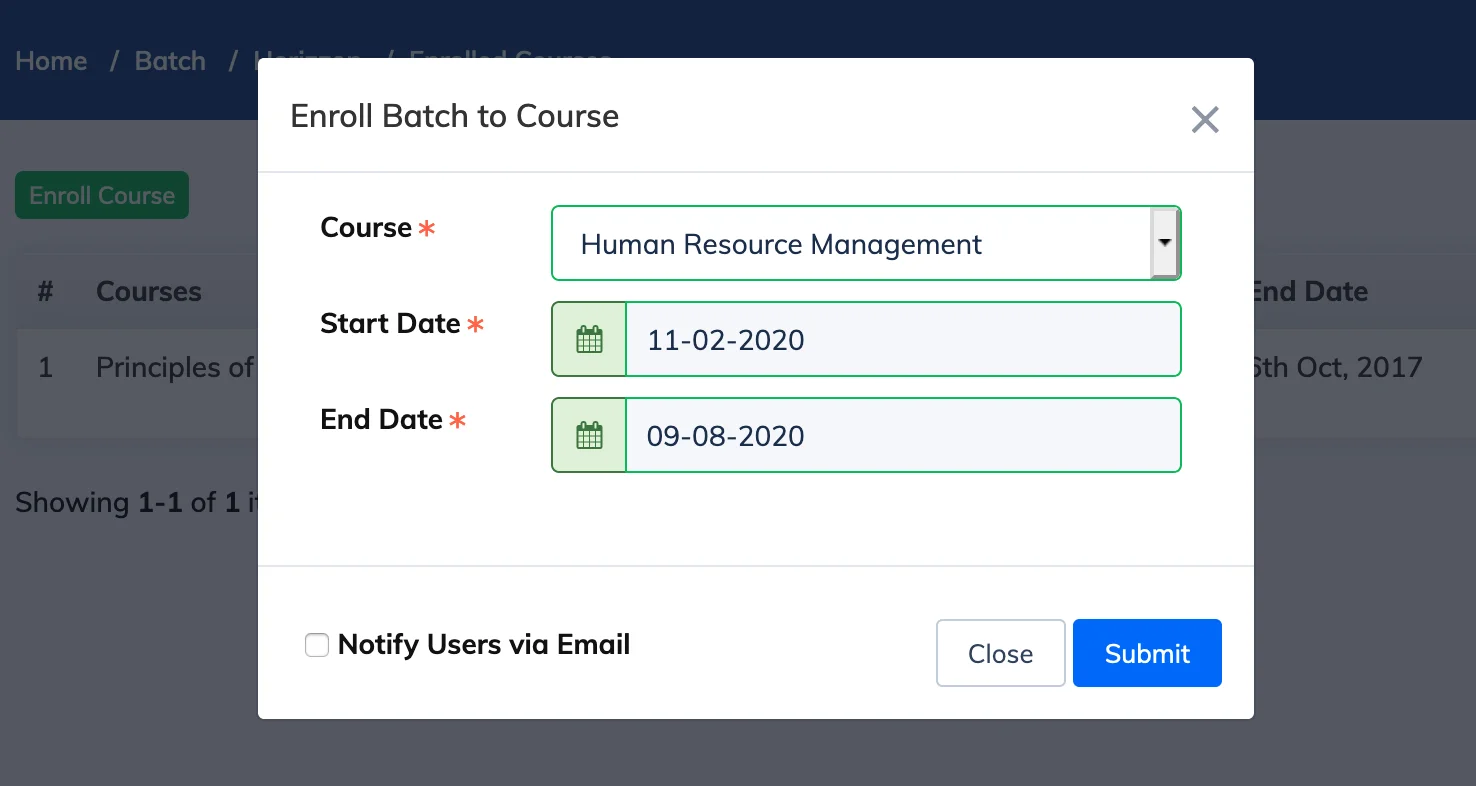
Enrolling a batch to a course enrolls all Trainees in that batch simultaneously. The batch must have at least one Trainee before it can be enrolled in a course.
Steps
- Go to Batches in the navigation bar.
- Click the Course Count for the relevant batch.
- Click + Enroll Courses.
- Select the course from the dropdown and set the enrollment start and end dates.
- Optionally check Notify Users via Email to send enrollment notifications to Trainees.
- Click Submit.
Re-enrollment Behaviour
- If a Trainee in the batch is already enrolled in the course and their enrollment is still active, they will be re-enrolled. Their new start and end dates will match the batch enrollment dates.
- If a Trainee has already completed the course, they will not be re-enrolled.
Note: A batch can be enrolled in multiple courses, but only one course at a time per submission. The batch must contain at least one Trainee before enrollment is possible.