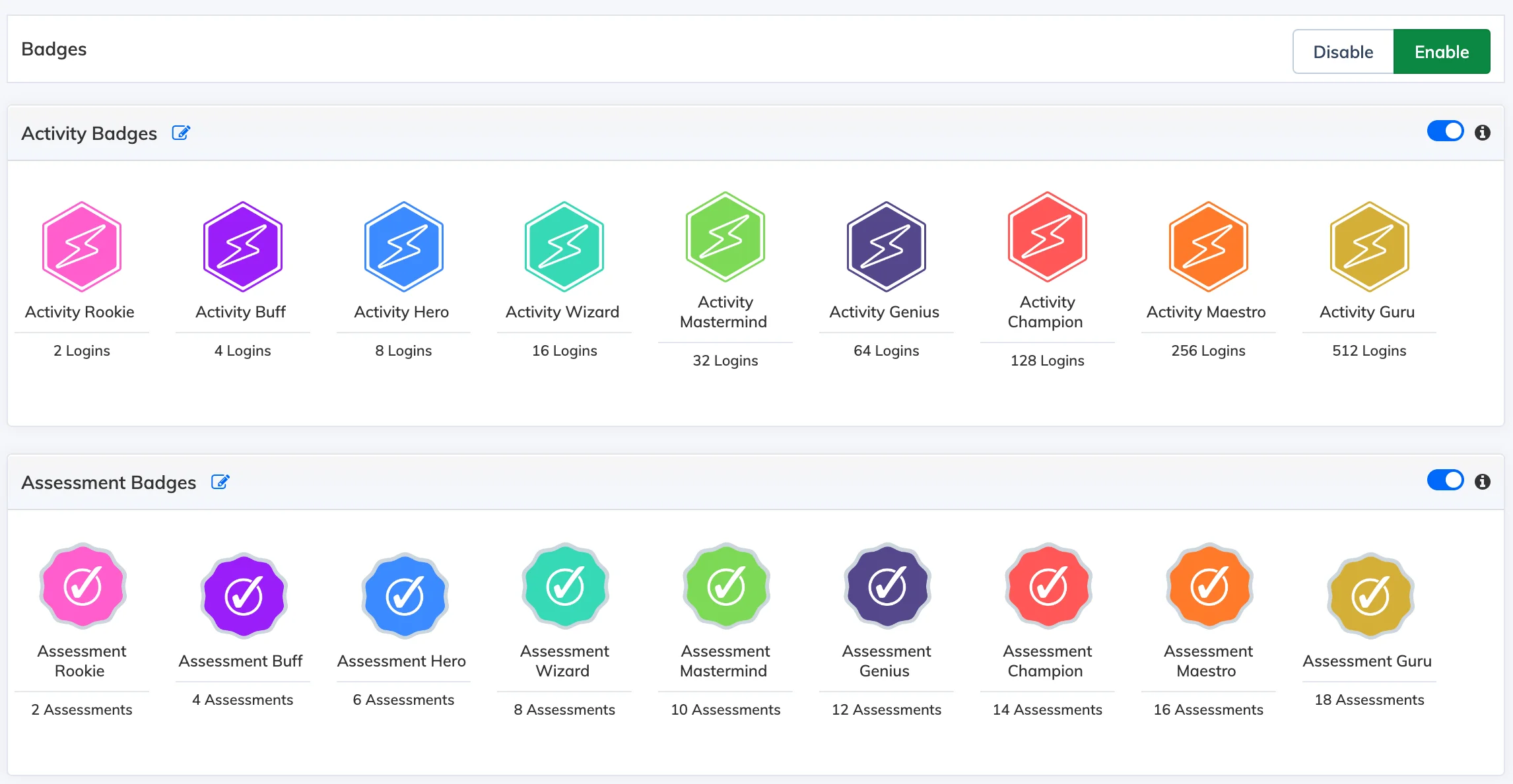
Badges reward Trainees for completing courses, learning paths, quizzes, surveys, logins, and other activities – encouraging healthy competition and motivation through gamification.
Enable Badges
- Go to Gamification → Badges.
- Click Enable to activate badges for your organisation.
Customise Existing Badges
Click the edit icon next to any badge to update its name, count, or image.
Create a Custom Badge
- Click + Badge Category, enter a name, and click Submit.
- Click + Create Badge, enter a name, and upload an image.
- Select a Source Type:
- Course – Select one or more courses. The badge is awarded when the Trainee completes all selected courses.
- Learning Path – Select one learning path. The badge is awarded on completion of that learning path.
- Click Submit.
Note: Individual badge categories can be disabled at any time without deleting them.