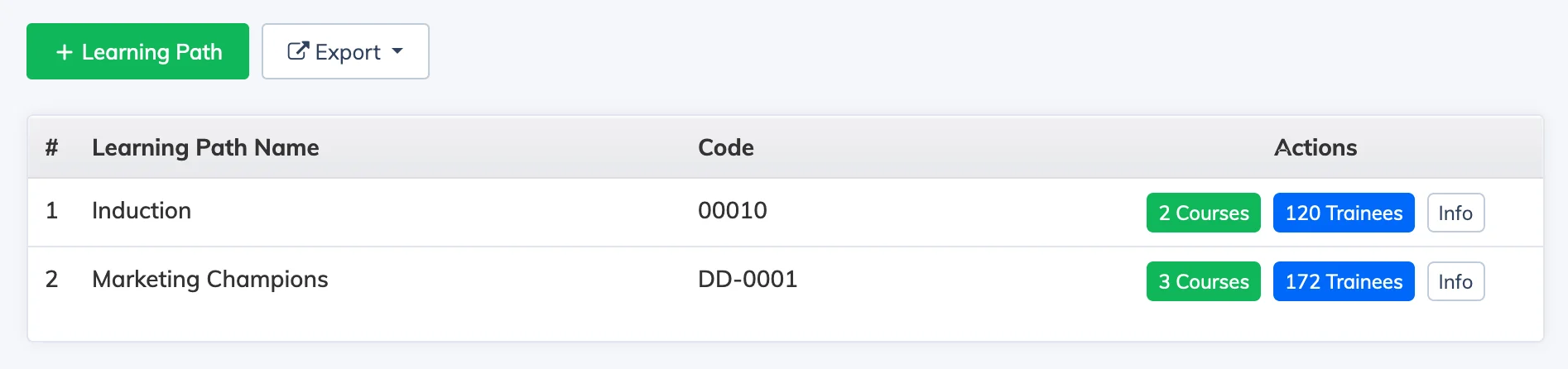
A Learning Path groups multiple courses into a structured programme, allowing you to guide learners through a defined sequence of training.
Steps
- Go to Courses → Learning Path.
- Click + Learning Path and fill in the details – Name, Code, and other required fields.
- Sequential – Set to Yes if learners must complete courses in order before moving to the next one.
- Certificate – Upload a certificate template if you want to issue a certificate on completion of the Learning Path.
- Click Submit.
After creating the Learning Path, add courses to it to build out the training programme.