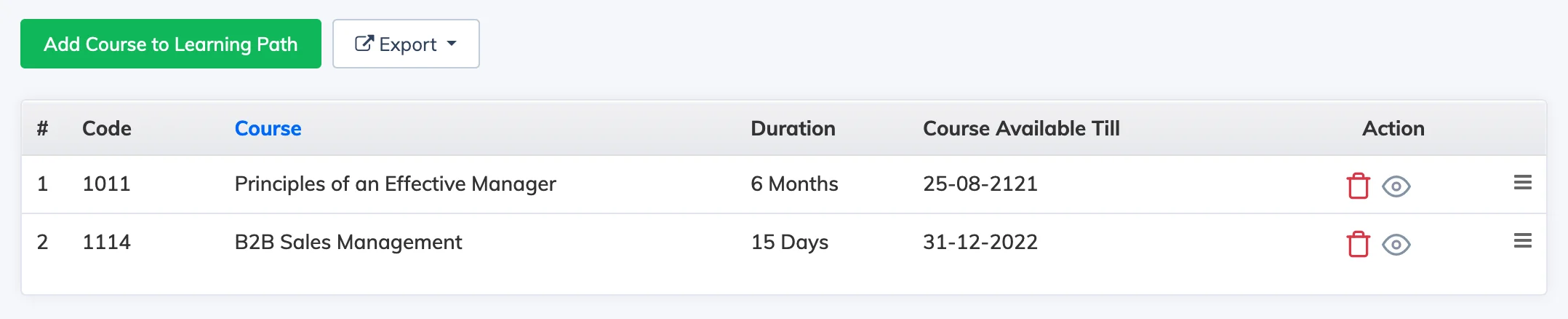
Once a Learning Path is created, you can add or remove courses to define the sequence of training learners will follow.
Add a Course
- Go to Courses → Learning Path.
- Click the Courses button next to the relevant Learning Path to view its current course list.
- Click Add Course to Learning Path, select the course from the dropdown, and click Submit.
Remove a Course
Click the Trash icon next to the course you want to remove.
Note: You cannot add or remove courses from a Learning Path that has active enrollments.
Existing progress is preserved: If a learner is already enrolled in a course individually and is then enrolled in a Learning Path that contains the same course, their progress carries over. They will access the course through the Learning Path going forward.