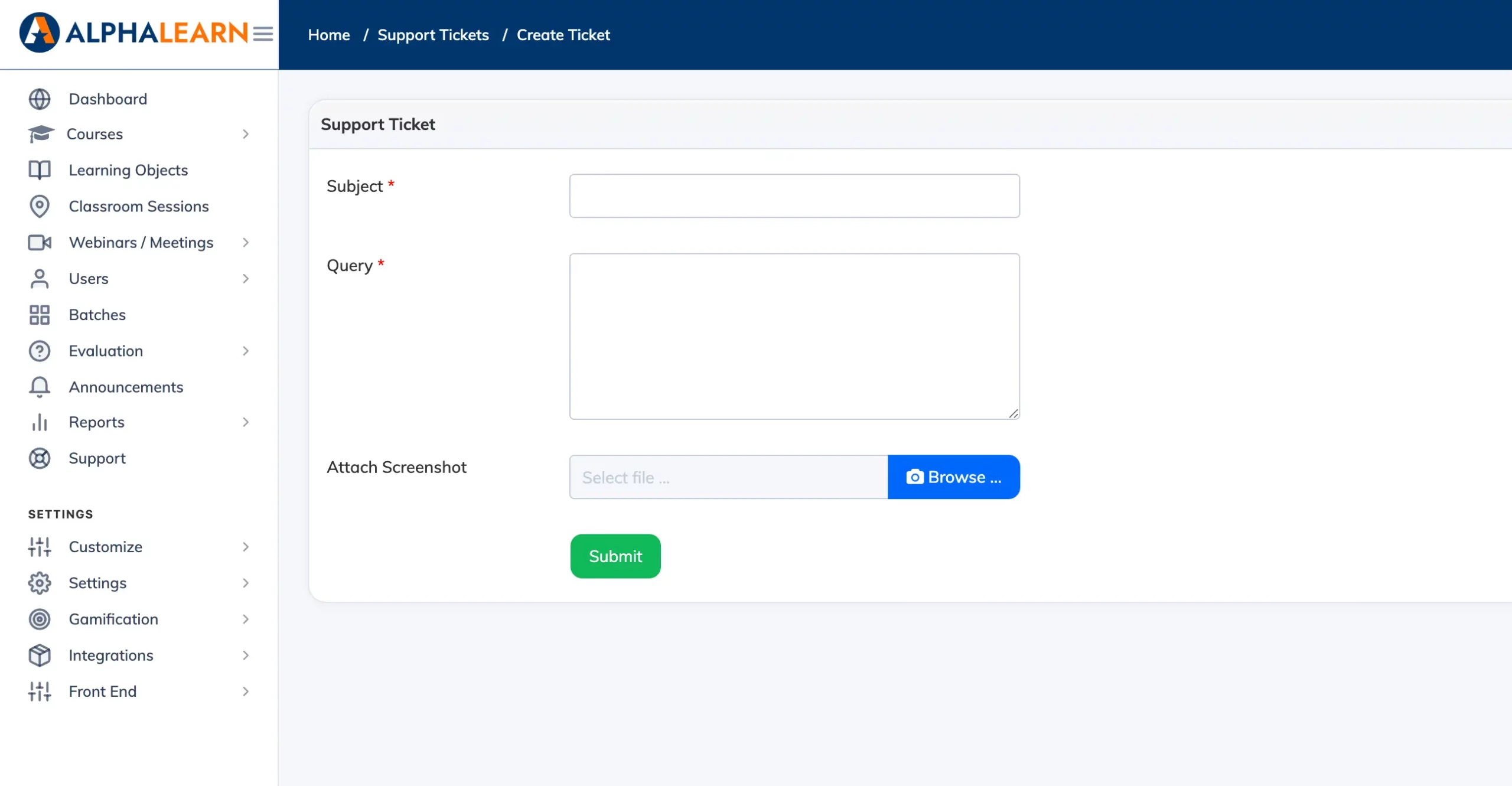
If you need help with the LMS, you can raise a support ticket directly from within the platform.
Steps
- Go to Support in the navigation bar.
- Click + Support Ticket.
- Enter a Subject and describe the issue in the Query field.
- Attach a screenshot if relevant, then click Submit.
You will receive an email confirmation when the ticket is created. When the support team responds, the reply will appear on the ticket and you will be notified by email.